RW-F1OBD GPS
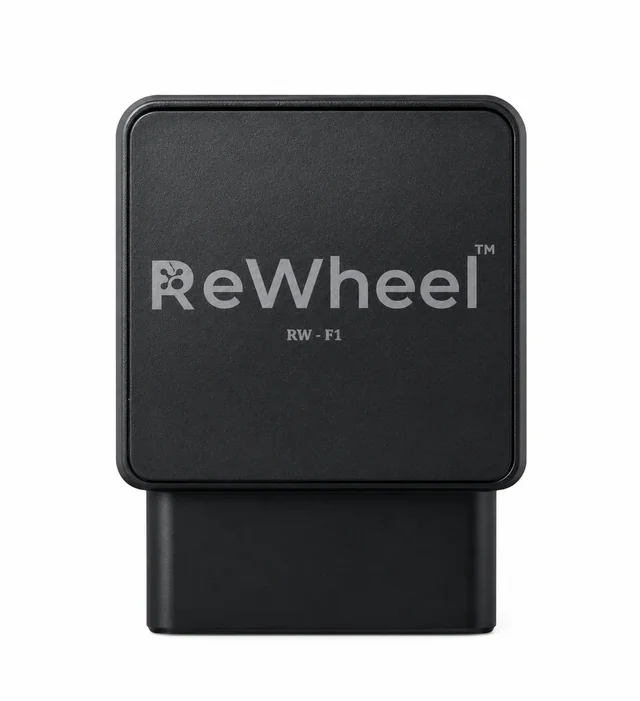
Connects to the vehicle's OBD port for GPS location, supported OBD vehicle information and emissions visibility.
RW-F1 is an OBD GPS vehicle tracker for fleet visibility in ReWheel FMS. Match GPS location and available OBD vehicle information to your vehicles and reporting needs, with supported signals verified for the selected installation.
- •GPS location and supported OBD vehicle information for fleet coordination and reporting.
- •Vehicle type, model year and the selected installation determine the supported signal scope.
- •FMS leverages ReWheel's proprietary ML models that take engine, OBD and environmental inputs to provide visibility into CO2, NOx, CO, PM and HC emissions.
View RW-F1 details →RW-T1Mobile Vehicle GPS
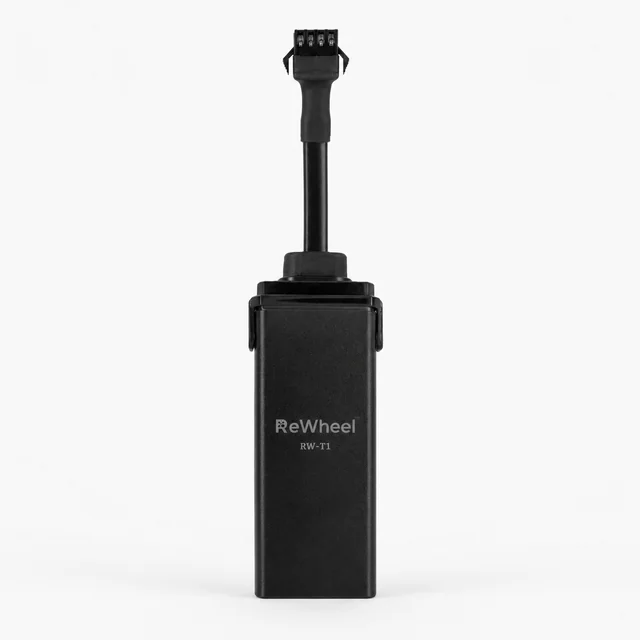
GPS tracking for vehicles where an OBD connection is not the right fit.
RW-T1 is ReWheel's vehicle GPS tracking device option for installations outside the OBD path. Select it around vehicle power, mounting, connectivity and the location information needed in FMS, with installation and application support matched to your operating scope.
- •Vehicle GPS tracking as an alternative installation path to the OBD option.
- •Installation, power and mounting requirements matched to the selected vehicle and hardware.
- •OBD diagnostics and emissions information require their own supported vehicle and application path.
View RW-T1 details →RW-A1Asset GPS
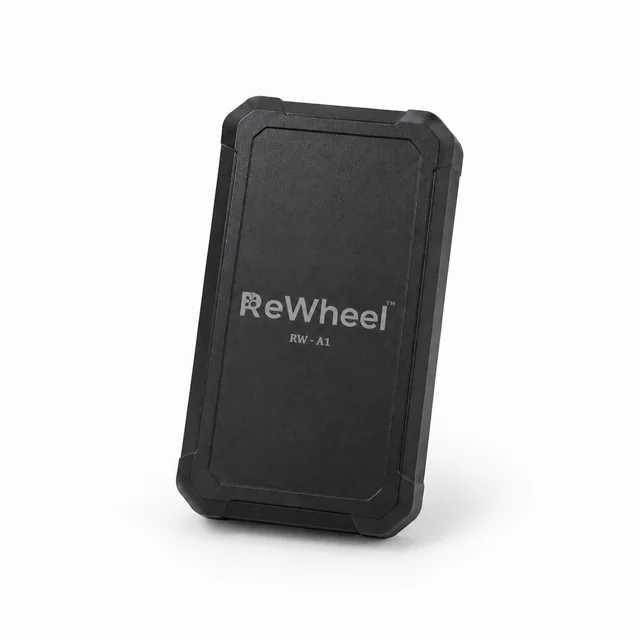
Location tracking for equipment, trailers and field assets.
RW-A1 is ReWheel's GPS asset tracker option for equipment location. Choose the power, placement and reporting setup around your equipment and connectivity needs. Review location alongside condition, custody and allocation records confirmed by your team before deciding the next step.
- •Equipment-location requirements matched to the asset, selected device and actual sites.
- •Power, placement and reporting settings selected around the intended operating period.
- •Location is reviewed alongside condition, custody and allocation confirmed by the responsible team.
View RW-A1 details → Not sure which device fits your operation?
Discuss your workflow